





Gradual rollout
The following features and improvements might not be available to all users because they will roll out gradually. Text bolded in brackets indicate the area of the change being documented. Please note that features and improvements that gradually roll out may not begin rolling out right away nor will they immediately show up right away.
[Start menu] New! The redesigned Start menu, built to help you access your apps more quickly and smoothly. Its redesigned layout makes it easier than ever to find what you need.
Scrollable ‘All’ section: The main page now includes a scrollable “All” section, making it easier to find apps.
Category and grid views: Switch between two new views—category view, which groups apps by type and highlights frequently used ones, and grid view, which lists apps alphabetically with more horizontal space for easier scanning. The menu remembers your last selected view.
Responsive layout: The Start menu adapts to your screen size. Larger displays show more pinned apps, recommendations, and categories by default. Sections like Pinned and Recommended expand or collapse based on content. You can customize these views under Settings > Personalization > Start.
Phone Link integration: A new mobile device button next to Search lets you expand or collapse content from your connected phone. This feature supports Android and iOS devices in most markets and will roll out to the European Economic Area (EEA) in 2025.
[Voice access]
New! Fluid Dictation in voice access makes voice-based dictation smoother and smarter. It helps correct grammar, punctuation, and filler words in real time. Powered by on-device small language models (SLMs), it offers fast and private processing. Fluid Dictation is on by default—just open the voice access app to start. To turn it on or off, go to Settings or say Turn on Fluid Dictation or Turn off Fluid Dictation. You can use it in most text input apps, but it’s disabled in secure fields like passwords or PINs Fluid Dictation is available in all English locales on Copilot+ PCs.
New! You can now configure a delay before a voice command is executed. To set this up, go to Voice access settings > Wait time before acting, and select the option that best matches your preferences.
New! Voice Access now supports Japanese, expanding accessibility for more users. You can now navigate, dictate, and interact with Windows using voice commands. With this, Windows users who speak Japanese can enjoy a hands-free, voice-powered PC experience.
Fixed: Voice access unexpectedly stops working, showing error code 9001.
[Agent in Settings] New! The new agent in the Settings experience now supports French.
[Settings] New! The “Email & accounts” section is now called “Your accounts.” You manage all your accounts under Settings > Accounts.
Windows_11,_version_25H2_(26200.7015).rar
http://www.filecondo.com/dl.php?f=Xd68561VfvgG
10.03 GB
+ ตอบกลับกระทู้
สรุปผลการค้นหา 1 ถึง 2 จากทั้งหมด 2
-
11-03-2025 04:02 PM #1Administrators

- สมัครเมื่อ
- Dec 2010
- โพสต์
- 166,415
- Thanks
- 7
- Thanked 171,946 Times in 76,651 Posts
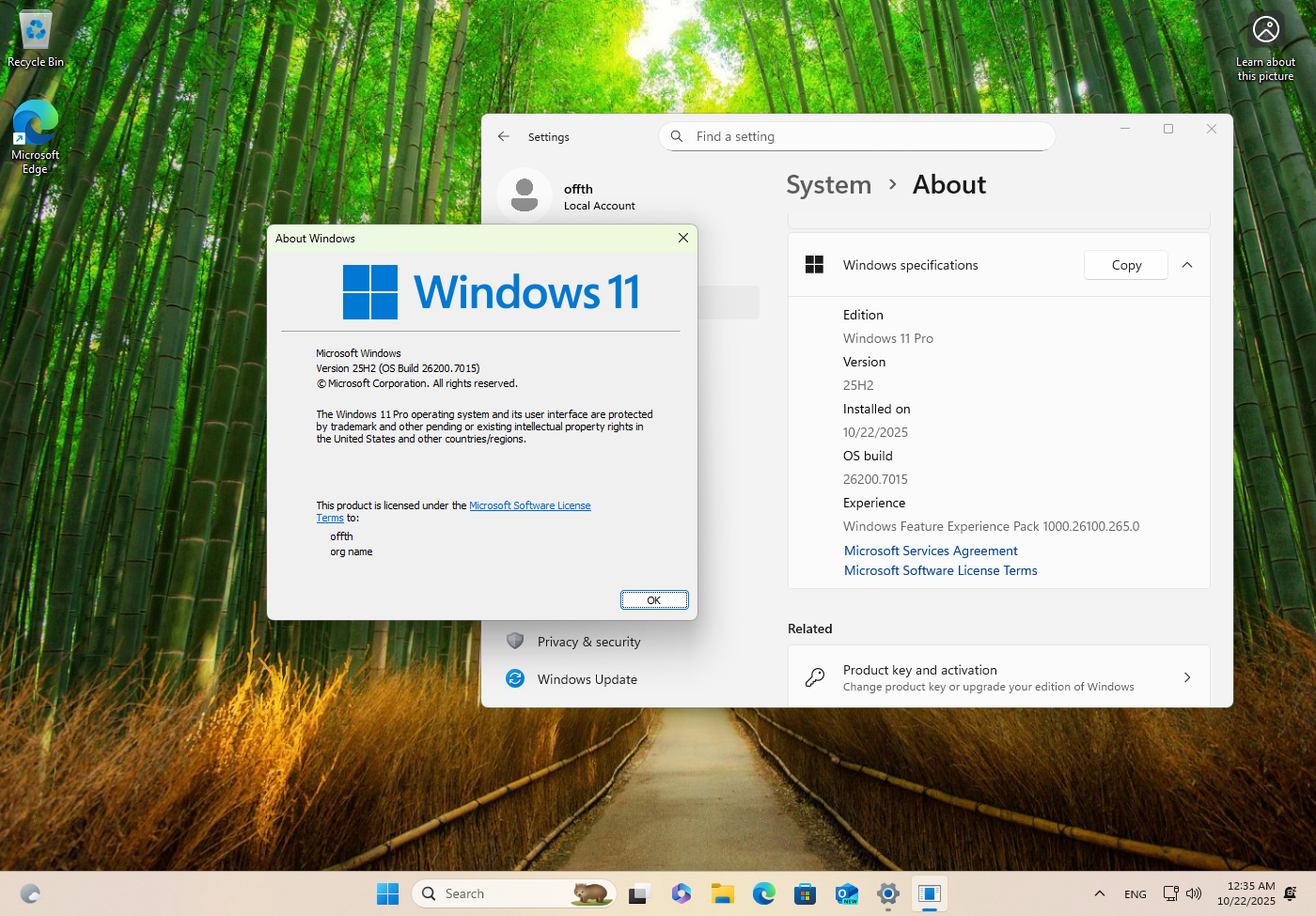
 Windows 11, version 25H2 (26200.7015)
-
12-01-2025 09:06 AM #2Junior Member

- สมัครเมื่อ
- Sep 2020
- โพสต์
- 1
- Thanks
- 0
- Thanked 0 Times in 0 Posts
เติมเงินแล้ว Download ไม่ได้ครับ
 อ้างอิงข้อความ
ข้อมูลกระทู้
Users Browsing this Thread
ในขณะนี้มี 1 ท่านดูกระทู้อยู่. (0 สมาชิกและ 1 ผู้เยี่ยมชม)
